Transforming organizational knowledge into intelligent conversations.


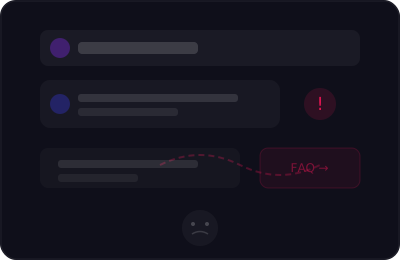
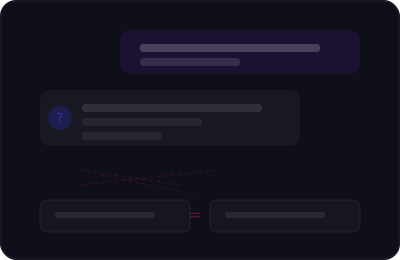
Are you tired of standard AI assistants that don't actually help solve your problem?
Many AI assistants today:
- ✗give pre-defined answers
- ✗don't truly understand the user's question
- ✗often just redirect you to FAQ or email support
Lana should help the user — not frustrate them.
Powerful Features
Everything you need to create exceptional customer experiences
Smart AI Responses
Advanced AI that understands context and provides accurate answers to customer queries
Multi-language Support
Support customers in their preferred language with automatic translation
Advanced Analytics
Track performance, customer satisfaction, and identify improvement opportunities
Easy Integration
Seamlessly integrate with your existing tools and platforms
Full Customization
Customize Lana's appearance and behavior to match your brand
24/7 Support
Get help whenever you need it with our dedicated support team
Why isn't AskLana a standard AI platform?
You define the knowledge base and communication style
You decide which questions Lana answers and how she does it. Through Q&A pairs and documents, you build the knowledge base from which Lana generates responses, while simultaneously defining the communication tone, interaction style with users, and behavior when Lana doesn't have an answer.
Multi-channel communication
Lana goes beyond a traditional web chat interface. The platform supports web widgets, full-page chat experiences, and custom embed integrations, while also enabling connections with external communication platforms and systems.
Use Cases
Customer Support
Answering frequently asked questions and providing quick information through automated communication
Getting Started with Lana
Service setup and integration
You receive an onboarding document with instructions on how to set up the necessary services and integrations for Lana
Optional Lana settings
You can define Lana's name, image, communication style, and fallback response. The system already comes with default settings
Project creation
You add the project name and description and choose the channels on which you want to use Lana.
Adding knowledge (Q&A and documents)
You add questions, answers, and documents that make up the knowledge base from which Lana generates responses.
Lana is ready to go
Lana starts responding to users in real time with the ability to monitor conversations and chat history.
Get in Touch
Ready to transform your customer support? Let's talk!
Let's Connect
hello@asklana.com
Response Time
All inquiries receive a response within 24 hours
Global Support
Supporting businesses worldwide
Ready to Get Started?
Join thousands of businesses using Lana to provide exceptional customer support